Match the model and specification
Record the full model number, generation, capacity and regional version. Two devices with the same family name may have different processors, storage, connectivity or support lifetimes. A lower refurbished price for an older model is not a direct discount on the newest one.
Check the accessories and packaging too. A missing power supply, stand or remote control can add cost and inconvenience. For a phone or computer, establish whether the required operating system and activation status are included and usable, rather than assuming the product photograph answers those questions.
Read the seller's condition description
Look for a written explanation of cosmetic grades and functional testing. Words such as excellent, good or acceptable mean little without the seller's own definitions. Check whether photographs show the actual item or only a representative unit, and whether visible marks are described individually.
Ask about components that wear with use. For a battery-powered product, find the battery standard the seller promises and how it is assessed. For moving parts or consumables, check whether replacements have been fitted or whether the item simply passed a basic operational test. Do not assume every refurbisher uses new parts.
Manufacturer programmes can make specific promises that other sellers do not. Apple's own UK refurbishment page, for example, describes its testing and included warranty. Those details belong to that programme; a third-party listing using the same product brand does not automatically provide the same package.
Compare support as part of the price
Identify who handles faults: the retailer, a refurbishing company, the manufacturer or a separate warranty provider. Read what is covered, the duration, any exclusions and the return or repair route. A warranty headline without a clear claims process is difficult to value.
Check the change-of-mind return arrangement as well as fault support. It may matter if you want to inspect cosmetic condition in person. Keep the description and condition grade with the order confirmation, because they are the promises against which the received item can be checked.
Build a complete example comparison
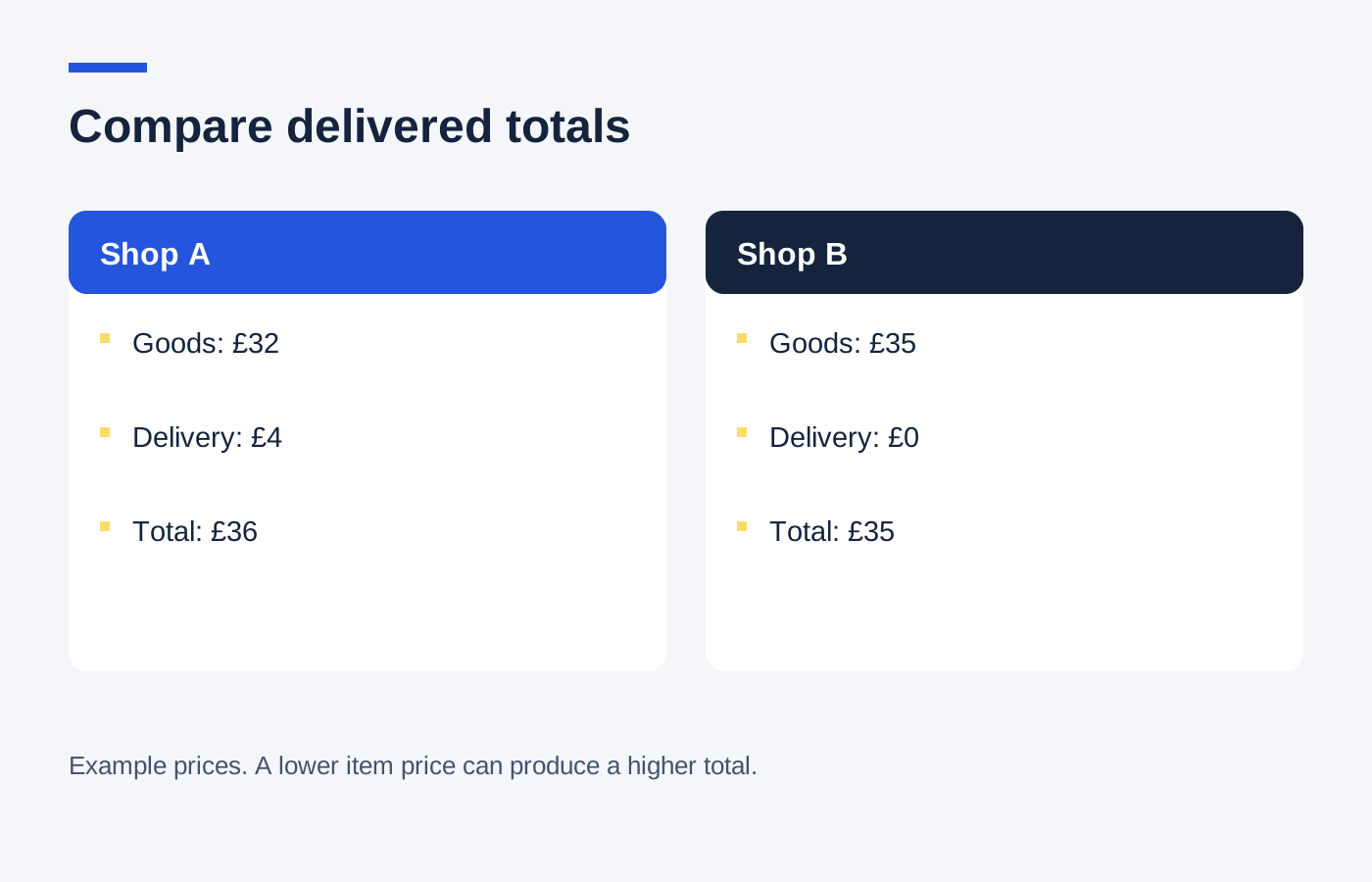
Imagine a refurbished device at £240 and an equivalent new version at £290, both delivered. The initial difference is £50. If the refurbished listing lacks a required £20 accessory, the useful comparison becomes £260 against £290, reducing the gap to £30.
Suppose the new package also includes a service you would not otherwise buy. Do not automatically subtract its advertised value from the new price. Equally, do not assign a made-up cash value to a longer warranty. Describe those differences plainly and decide how much they matter to your intended use.
If the refurbished device is an older generation, compare it with a new unit of that generation where one is genuinely available, and separately with the current model. That reveals whether the saving comes from refurbishment, age or both.
Check the item promptly when it arrives
Compare the serial or model details with the order, inspect the stated cosmetic condition and test the functions you need using the seller's instructions. Keep packaging while the initial assessment is underway. Report discrepancies with clear photographs or a description of the failing function.
Avoid opening the casing or attempting a repair to investigate an unexpected problem before speaking to the seller. That can complicate the evidence and support route. Ask for the appropriate next step and retain the correspondence.
Choose refurbished when the documented condition and support suit the job at a worthwhile complete saving. Choose new when the price gap is too small for the uncertainties that remain. The label alone does not settle the decision, and neither option is automatically the better value for every product.