Save the promise and the transaction
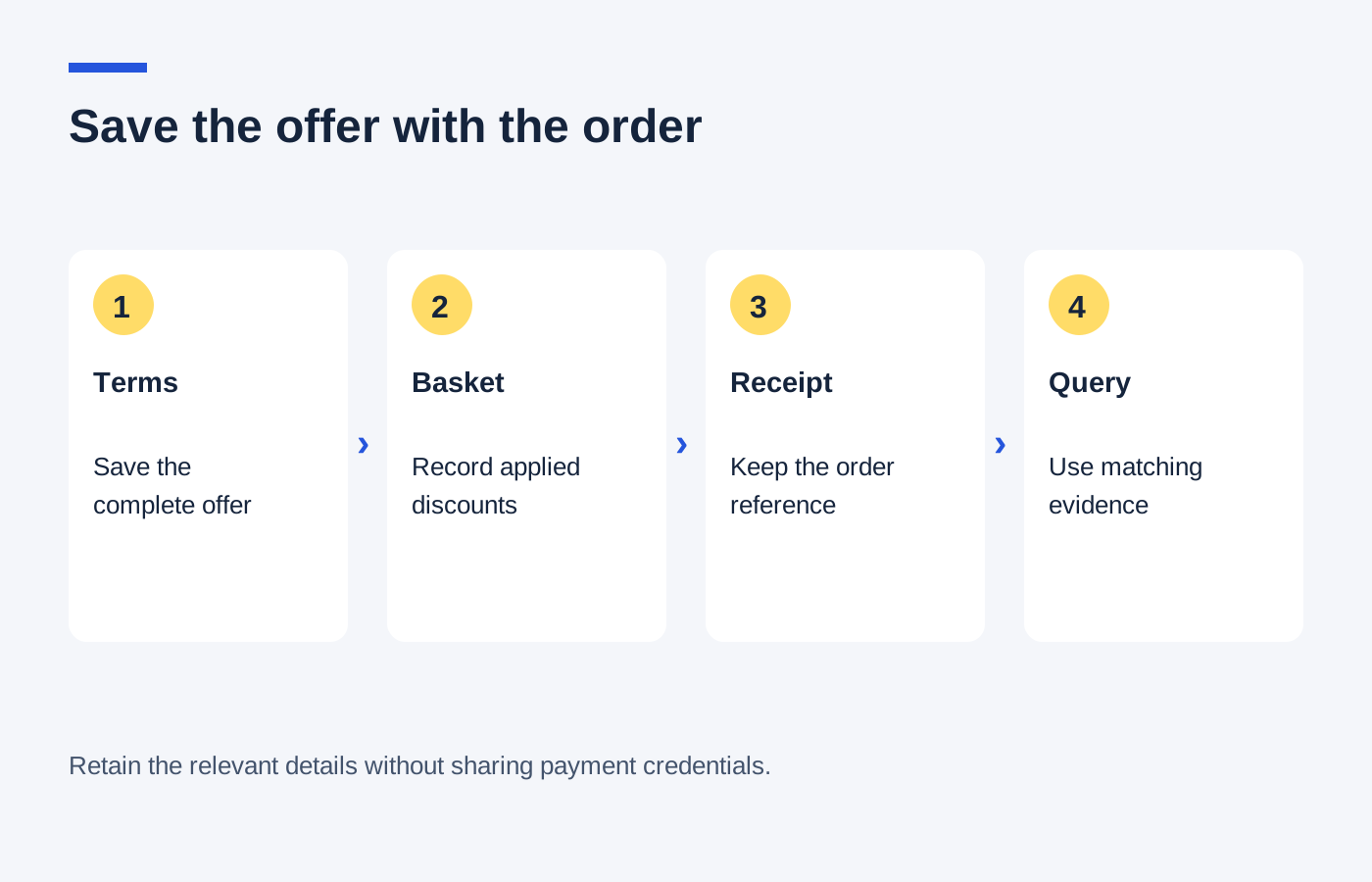
Keep the promotion's wording, the linked conditions and the date you saw them. A screenshot should include the relevant restriction as well as the headline. If the offer came by email, retain the original message so the issue date and any personal code remain together.
Save the final order summary and confirmation showing products, quantities, delivery service and amount paid. If a gift was promised, check whether it appears as a separate order line. If it does not, preserve the wording that explains how the gift will be supplied.
Keep sensitive details out of ordinary notes
There is no need to store full payment-card numbers, passwords or verification documents beside a voucher. Use the order reference and the last few identifying details shown by the retailer. Redact unrelated personal information before sharing a screenshot with a support team.
A simple folder named with the shop and order date is enough for most purchases. Put the offer email, confirmation and any support reply in the same place. This avoids confusing a public promotion with a different personal offer received later.
Use the record to ask a specific question
If an expected £6 reduction is missing, explain which item qualified, what the terms said and what the order charged. Attach only the relevant evidence. A concise calculation helps the retailer investigate more quickly than a collection of unrelated screenshots.
Keep any answer that changes the arrangement, such as a promised replacement gift or an agreed adjustment. Note when the retailer says the action will happen and follow up through the same case reference if needed. Do not assume a screenshot guarantees a particular remedy; it records the facts for the discussion.
Once delivery, returns and any reward are settled, remove duplicates and retain only what remains useful. The purpose is to make a genuine query easier to resolve, not to accumulate years of expired banners that no longer relate to an order.